How to Install Android 4.2 In Galaxy Y(with screen Shots)
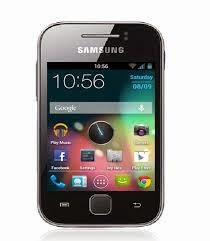
Installation Guid Back up your Current Rom Charge Your phone 50% Download Android 4.2.1 and CWM and don,t extract Copy downloaded file to SD Card Turn Off Mobile Turn In Recovery Mode by Pressing (volume up +home button+ power Button) Select "apply update from sdcard and select CWM Now in Your Phone in CWM Select"wipe data factory reset" Select "wipe cache partition " Return to main menu and then choose “wipe dalvick cache " Select "Install zip From Sd Card " chose zip file from directory of sd card Installation Process is Start and Finish in 2 Minuts Now again Turn Phone in Recovery Mod And again Select"wipe data factory reset" n Select "wipe cache partition " Now Reboot System Download Links Download JellyBlast V3 Custom ROM Download CW...


